hover.nvim
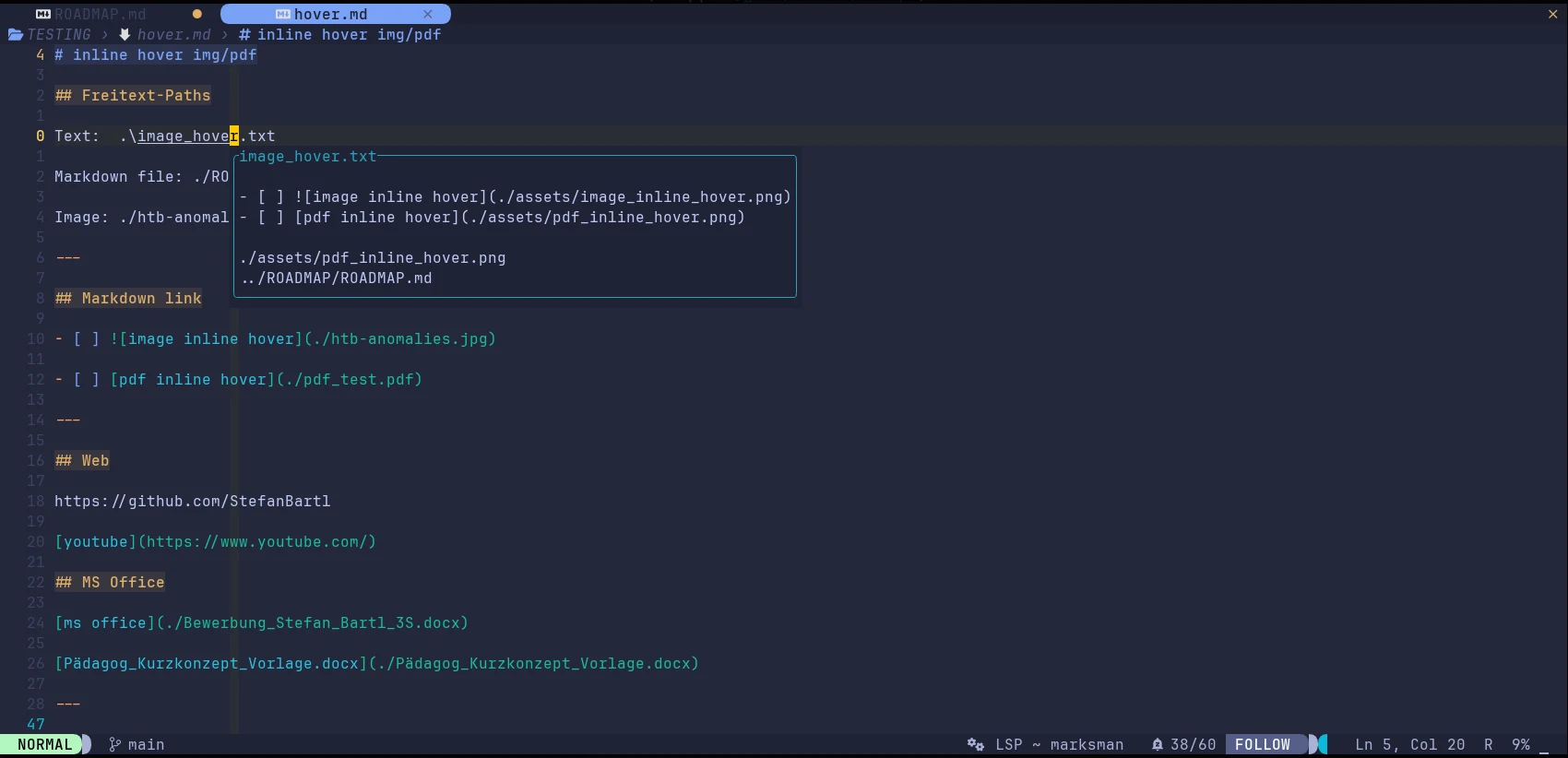
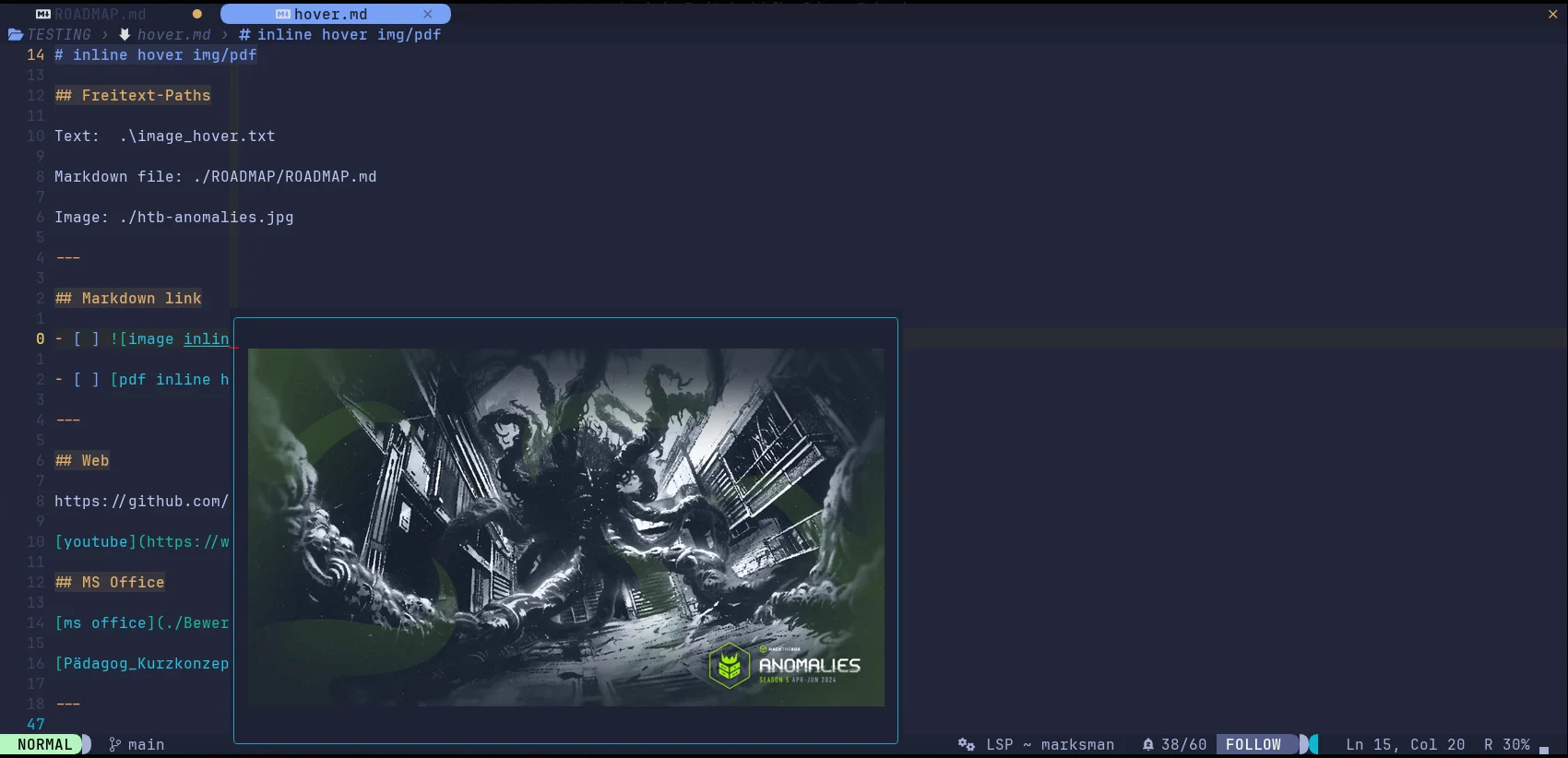
Rest the cursor on something that points at a file — a markdown link, or a path written as plain text — and a small float shows what it points at.
- status
- beta — Beta stage — active development. This repository is past its first shape and in active use, but the surface is not frozen: breaking changes are still possible. Pin a commit or tag if you depend on it.
- category
- Files & navigation
- neovim
- 0.10+
- repo
- github.com/StefanBartl/hover.nvim
- commits
- 168
- help
- :help hover
demo
demos/hover.tape in a clean Neovim — re-recorded weekly
what is shown when
- :Hover show on a markdown link -> markdown.nvim finds the target -> the file, previewed in place
- :Hover show on a bare path in prose -> resolved next to the buffer -> previewed the same way
- :Hover show on file.md#heading -> that section of the file, not its top
- :Hover show on https://stefanbartl.github.io/wkd/ -> curl fetches the page -> status, title, first words
demos/hover-media.tape in a clean Neovim — re-recorded weekly
· needs media.nvim
, pdfport.nvim
What the float can hold depends on the terminal: with a graphics protocol (kitty, sixel) it draws a frame of the video and page 1 of the PDF; this recording runs in one without, so it shows what hover.nvim says instead. what is shown when
- :Hover show on an mp4 link -> media.nvim probes it with ffprobe -> type, size, resolution, length
- :Hover show on a PDF link -> pdfport.nvim renders page 1 in a graphics terminal -> here: what the float says
- :Hover why on plain prose -> the gate that refused, and what would let it through
screenshots
install
{
  "StefanBartl/hover.nvim",
  opts = {},
}
docs/
- BINDINGS.md
- CONTRIBUTING.md
- NAME-COLLISION.md
- README.md
- WORKFLOW.md
- api.md
- architecture.md
- commands.md
- configuration.md
- health.md
- installation.md
- integrations.md
- quickstart.md
- scope.md
- what-you-get.md
git log
- docs play_scale default is 2.5 in the type and the video example
- refactor shot: find the browser through lib.nvim.deps.require_tool
- fix show: don't let an unforced re-trigger close an explicitly requested hover
- fix directory: resolve a symlinked directory correctly, report a failed open
- feat directory: browse a directory hover's mini filetree
- docs link back to the wkd family site
- fix bindings: take back a buffer's autocmd records and group when it goes away
- ci bump leafo/gh-actions-lua and gh-actions-luarocks off Node 20
- ci bump JohnnyMorganz/stylua-action to v5 (Node-20 deprecation)
- ci publish ci-verified forward-only, fail-closed and with a lease
- ci bump the failure-log upload to actions/upload-artifact@v7 (Node 24)
- ci pin ui/documentation/pickers checkouts to their ci-verified branch